
Configuration
01 10
POS Workflow Setup
Products, variants, categories, pricelists, taxes, users, discounts and session controls.
 Australian Retail & Hospitality POS
Odoo POS setup gives Australian retailers, cafés, restaurants and service counters one connected way to process sales, manage products, take payments and update stock. Logo Desire plans and configures each Point of Sale environment around the way your team actually works.
From one checkout to a Cloud POS system, we map locations, devices, taxes, receipts, discounts, connectivity and end-of-day controls for fast service and accurate daily management.
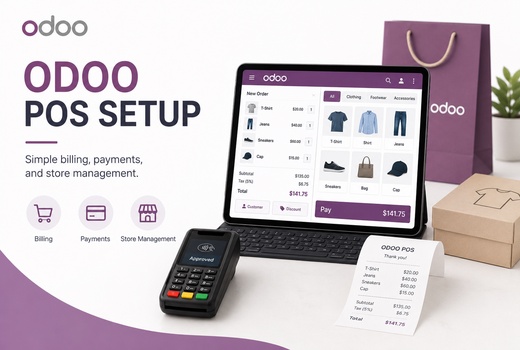
Connected Checkout
We connect counters, users, payment methods, inventory locations and reporting so the system is ready for day-to-day retail transaction processing rather than a generic demonstration.
Our service covers retail terminal setup, cash register integration, staff access, product import and testing. The result is a Point of Sale (POS) workflow designed for faster service and clearer management.
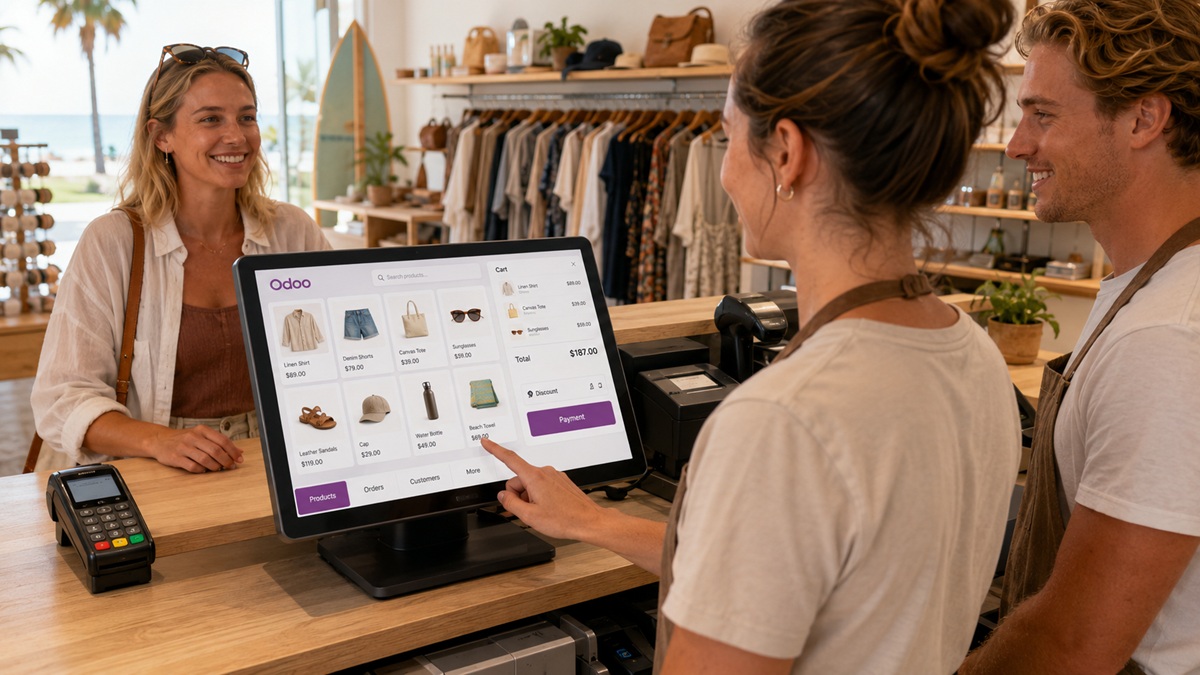
Complete POS Scope
Configure the complete checkout environment, from product screens and payments to hardware, stock, receipts and reporting.
Products, variants, categories, pricelists, taxes, users, discounts and session controls.
Compatibility assessment for Tyro, Stripe, Square and other supported payment workflows.
Tablets, scanners, receipt printers, cash drawers, scales, displays and IoT architecture.
Logo, business details, headers, return guidance, paper width and printing rules.
Locations, SKUs, variants, barcode scanning and multi-store inventory synchronisation.
Offline sales caching, recovery procedures, reconnect testing and documented limitations.
Outlets, terminals, sessions, opening balances, till reconciliation and end-of-day reporting.
Inventory, Accounting, CRM, eCommerce, Shopify, APIs and targeted customisation.
Floor plans, tables, kitchen printing, split bills, notes, courses and tips.
Customer loyalty rules, customer-facing displays and supported scale workflows.
Workflow Configuration
Effective Odoo point of sale configuration starts with operational discovery. We review what you sell, how staff take orders, which users can approve discounts, how payments are recorded and where stock should move after each sale.
We then configure POS product categorization, Product Variants, pricelists, taxes, refunds, session controls and the correct Payment Method for each tender type.
Your Odoo POS setup can also include a Fiscal Position for relevant transaction rules, user permissions and POS order synchronization with Inventory, Sales, Accounting or eCommerce. Our Odoo POS fiscal position Australia work applies the tax treatment approved by your qualified adviser; our role is to implement that workflow accurately in Odoo.
Controlled Delivery
Map stores, counters, products, users, payments, stock and reporting needs.
Confirm Odoo version, hosting, hardware, terminals and connector support.
Build products, taxes, permissions, receipts, sessions and integrations.
Validate sales, refunds, split payments, printing, offline recovery and sync.
Train operators and managers on live workflows and exception handling.
Stage go-live, reconcile results and support the team after deployment.
Devices & Payments
We assess compatibility before selecting the device, connector and integration architecture.
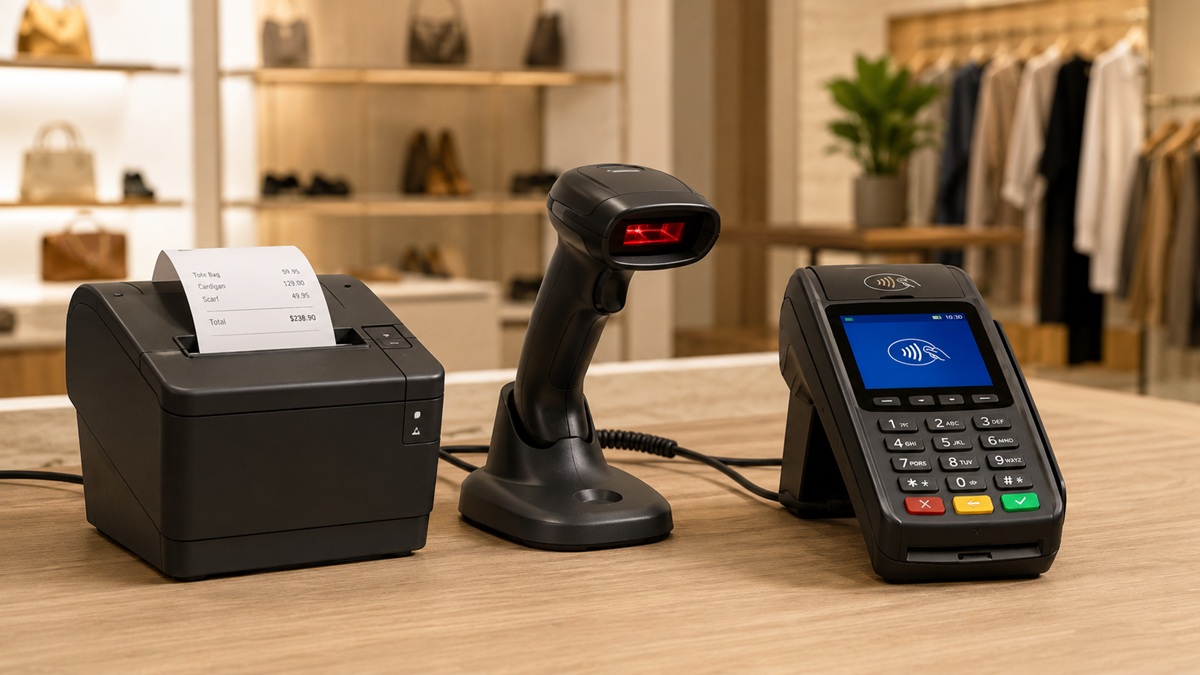
The browser-based checkout used by staff at each counter.
A supported payment device and connector for card authorisation.
USB, Bluetooth or supported hardware for rapid product entry.
Thermal or network printing for customer and kitchen receipts.
Cash handling connected to the selected receipt-printing workflow.
Compatible weighing hardware for products sold by weight.
A supported customer-facing view of products, totals and payments.
A hardware interface where direct browser communication is unsuitable.
Odoo POS hardware setup Australia may involve a computer or tablet, EFTPOS Terminal, Barcode Scanner, Receipt Printer, Cash Drawer, scale and Customer Facing Display. We assess POS hardware compatibility first.
Where direct browser communication is unsuitable, an Odoo IoT box setup can provide the Hardware interface box between Odoo and supported peripherals. Some deployments may use an IoT Box or Local Proxy Server, depending on the architecture.
Odoo POS payment terminal integration is planned around the provider, terminal model, acquiring arrangement and supported connector. For Odoo POS EFTPOS Australia requirements, we can assess Tyro Odoo POS integration, Stripe Odoo POS setup or Square Odoo POS integration Australia.
An EFTPOS connection or Stripe Terminal may need a supported module, third-party connector, Payment gateway terminal or custom Payment terminal bridge. Compatibility is confirmed first.
Printing
Odoo POS printer configuration connects the sales workflow to a compatible Thermal Receipt Printer, kitchen printer or network device. Our Odoo receipt printer setup AU service can define routing, paper width, automatic printing and Cash drawer configuration.
For labelled products or internal stock workflows, Odoo POS barcode printer setup can also be reviewed separately.
Customer Experience
We can adjust the Receipt template layout, add an Odoo POS custom receipt logo, create an Odoo POS custom receipt header and include approved business details, return guidance or promotional text.
Every Odoo POS setup is tested with sample sales, refunds, split payments and reprints before go-live.
Stock & Resilience
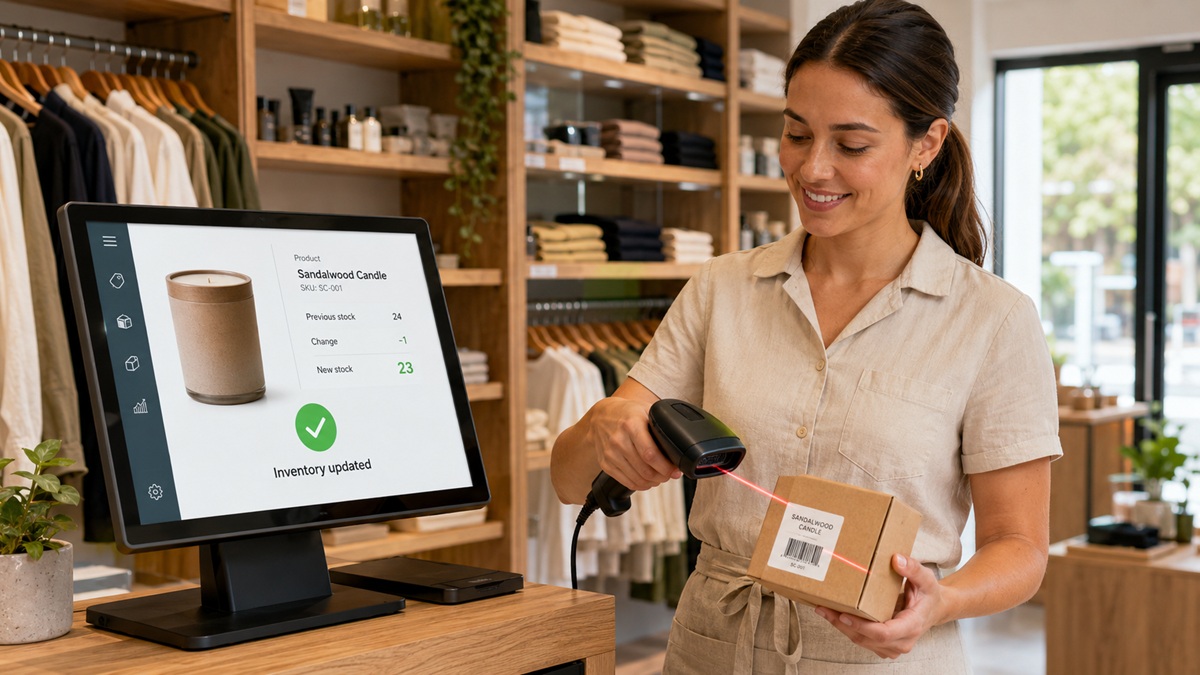
Odoo POS inventory setup links sales with products, stock locations and replenishment. We configure SKUs, categories, prices, Product Variants and Multi-store inventory sync where required. With Odoo POS inventory tracking AU, each validated sale contributes to clearer availability and purchasing decisions within the selected stock workflow.
Odoo POS barcode scanner setup reduces manual product searches at busy counters. Odoo barcode scanner integration may use a USB or Bluetooth Barcode Reader that behaves like keyboard input, or a supported device connected through the chosen hardware architecture.
We test the Odoo POS bar code reader against product codes, variants, weighted items and operator steps. This part of the Odoo POS setup is validated with real sample labels and products before staff training.
Odoo POS offline mode setup prepares staff for temporary connection loss. Odoo POS offline capabilities allow an already loaded session to continue handling supported sales in the browser, with Offline POS caching and later Point of sale sync when connectivity returns. This is useful resilience, but it is not a substitute for a stable network.
The exact limits depend on the Odoo edition, version, browser, payment provider and action being attempted. Online authorisation may still be required by an EFTPOS terminal, and new data may not be available while disconnected.
We document Offline sales caching rules, recovery steps and exceptions as part of Odoo POS setup training, then test reconnection and order upload before launch.
Connected Commerce
Odoo POS multi store setup keeps products, users and reporting organised across outlets. We map warehouses, locations, registers, pricelists and access rights, then define stock and sales movement. An Odoo POS multi terminal setup can support several counters or branches while retaining register-level accountability.
Each device needs a clear session, opening balance and closing process. Odoo POS till reconciliation, cash counts and the Odoo POS end of day report help managers investigate differences. A Cash register software rollout should also define device names, staff responsibilities and support procedures.
Odoo POS integration Australia can connect checkout activity with Inventory, Accounting, CRM, eCommerce or custom applications. An Odoo POS Shopify integration may support an Omnichannel retail solution when product ownership, order flows and stock rules are defined.
We identify the source of truth to reduce duplicate customers, conflicting prices and oversold stock. For every Odoo POS setup, we test Point of sale configuration, taxes, products, payments, returns and Point of sale sync. Where standard modules do not cover the requirement, Logo Desire can assess APIs, third-party connectors or targeted Odoo customisation.
Odoo POS Short
See how a connected Odoo POS can support retail sales, stock visibility and day-to-day business operations.
This short introduction complements the configuration, hardware, inventory and multi-store planning covered on this page.
Watch on YouTubeUpgrade your retail business with Logo Desire and Odoo POS
Industry Workflows
An Odoo retail point of sale can support searchable products, Barcode Reader input, customer records, returns, promotions and connected inventory. We configure Odoo POS discount rules, manager approvals and product screens so operators can complete common tasks with fewer taps.
An Odoo POS customer display or other Customer Facing Display can show order details where supported by the selected device design. This Odoo POS setup keeps the checkout screen focused on the tasks operators perform most often.
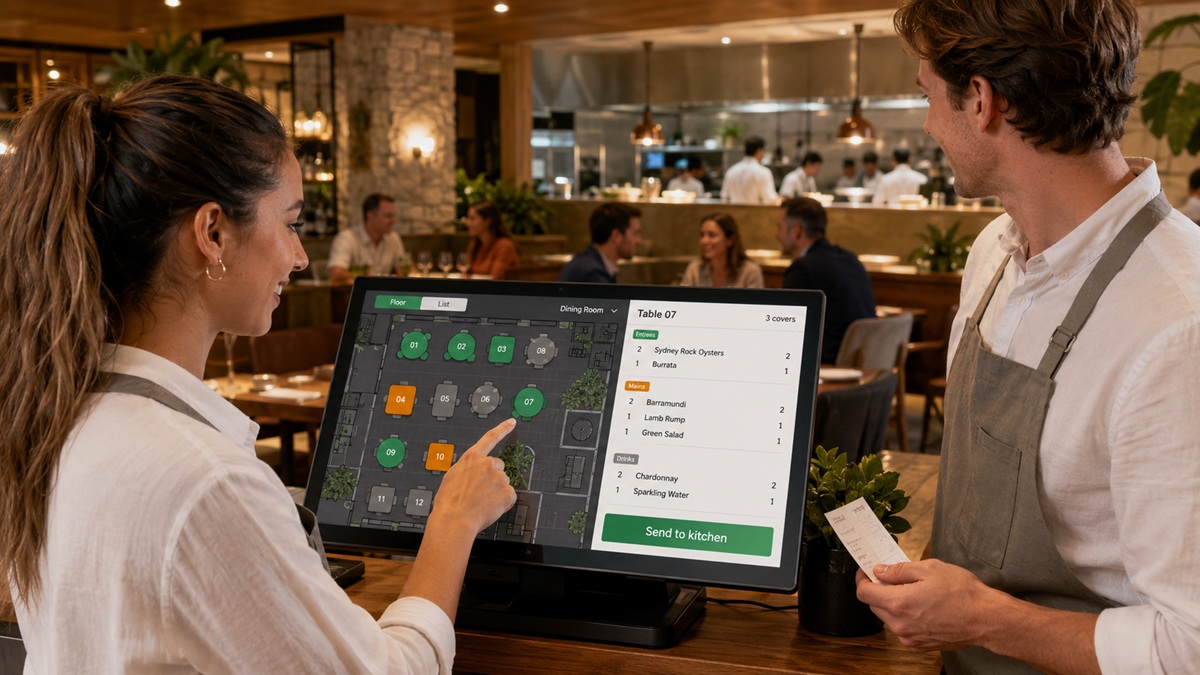
Odoo restaurant POS Australia projects need more than a standard counter screen. Odoo POS restaurant configuration can include a Floor Plan, Floor Screen, tables, courses, kitchen printing, split bills, notes and Odoo POS tip management.
Odoo POS restaurant table management helps staff move orders, assign tables and maintain a clearer view of service. We test the journey from order entry to kitchen output, payment and close.
An Odoo POS loyalty system can create a practical Customer Loyalty Program using defined earning and redemption rules. We configure the Customer loyalty module around eligible products, customer identification and staff permissions.
Odoo POS scale integration can support weighed goods when the scale, Odoo version and connection method are compatible. The scale, barcode and price workflow should be tested together.
Project Investment
Odoo POS pricing Australia varies because a single-register shop does not need the same work as a multi-site restaurant group. Cost depends on Odoo edition and hosting, user needs, number of stores and terminals, data preparation, hardware, payment integration, receipt changes, training and custom development. Third-party connector, terminal and transaction fees may be charged separately by their providers.
Logo Desire scopes Odoo POS setup after a consultation and provides a project estimate based on confirmed requirements. This gives you a clearer commercial plan than a low headline figure that excludes hardware testing, data work or integration complexity.
Illustrative Scenario
An Australian specialty retailer with two stores was using separate registers, spreadsheets and stock checks. In this illustrative scenario, the proposed solution included product data, Odoo barcode scanner integration, receipt branding and shared inventory rules.
The plan covered data cleanup, device testing, user roles, staff training and staged go-live.
Official Odoo Tutorials
Follow these official Odoo walkthroughs for product creation, customer receipts and invoices, and POS payment methods.
Learn how to create products from the Odoo Point of Sale backend or directly from the POS interface.
Watch in the Odoo POS playlistSee how to configure receipt settings and invoice delivery methods so customers receive the correct documents.
Watch in the Odoo POS playlistLearn how to configure payment methods for an Odoo Point of Sale workflow.
Watch in the Odoo POS playlistQuestions
Practical answers about payments, hardware, offline use, multi-store operation, receipts, integrations and implementation.
Ready to Build a Reliable Odoo POS?
Talk to Logo Desire about retail or restaurant checkout, EFTPOS, hardware, stock, receipts, loyalty, offline operation and multi-store reporting. Get a tailored Odoo POS setup plan designed for your team, devices and growth goals.
✓ Compatibility checks · ✓ Real workflow testing · ✓ Staff training